ETL-Optimus
Support brining Optimus GPS Fleet Tracking into TAK
Setup🔗
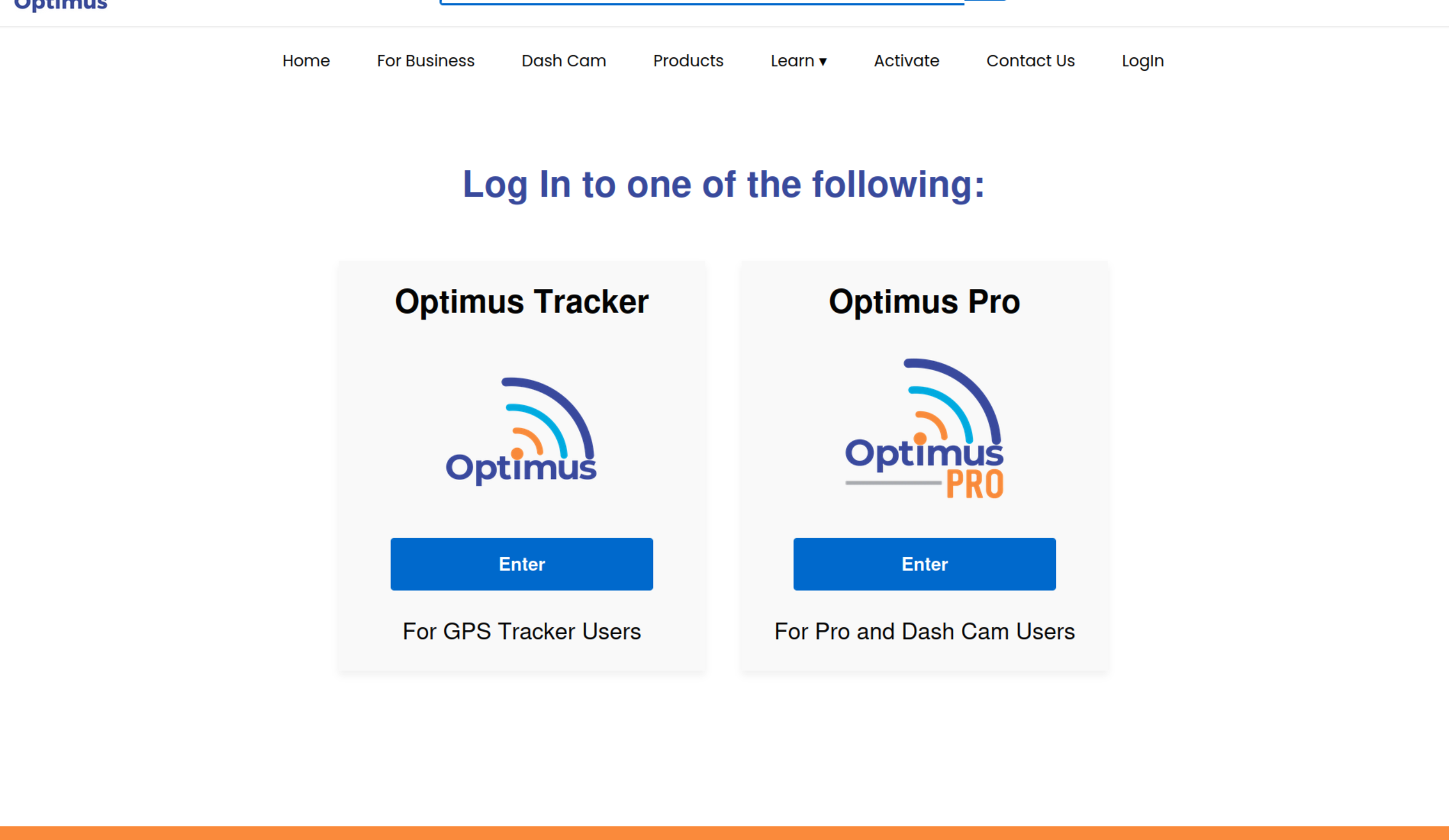
- Determine if your account is configured as an Optimus or Optimus Pro account. Only Optimus Pro accounts are supported for ingestion into TAK. You can determine which account type you have from the Login Page
-
If you have an Optimus Tracker account and not an Optimus Pro account, contact support to have your account converted. There is no additional charge, just a more modern map UI for managing trackers and allowing external data integrations.
-
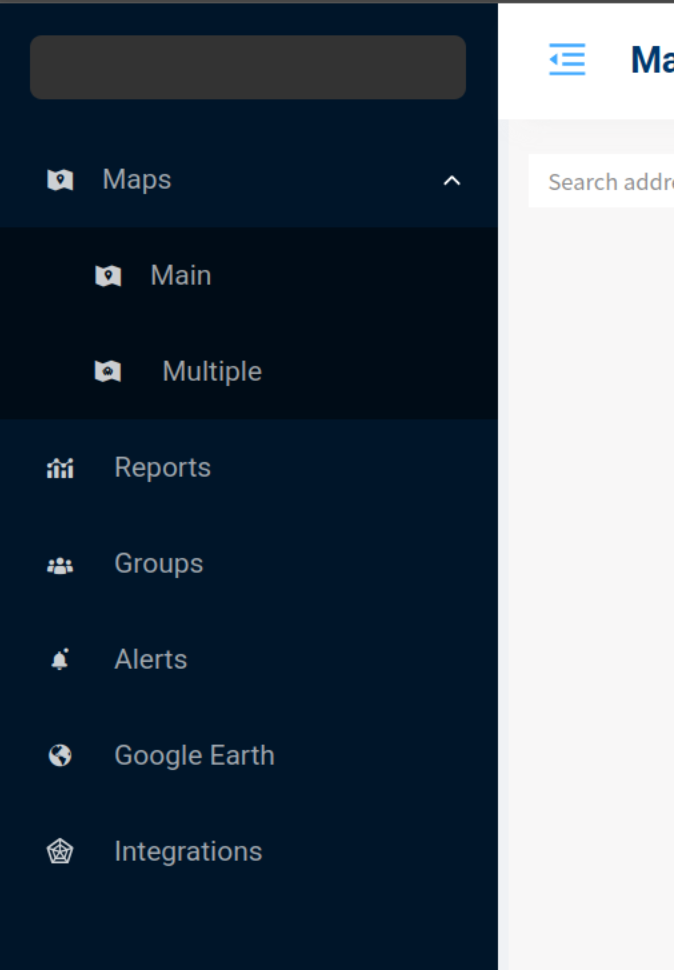
Once you have access to the Optimus Pro Account, from the main map page, click the menu button in the upper right-hand corner and then click "Integrations"
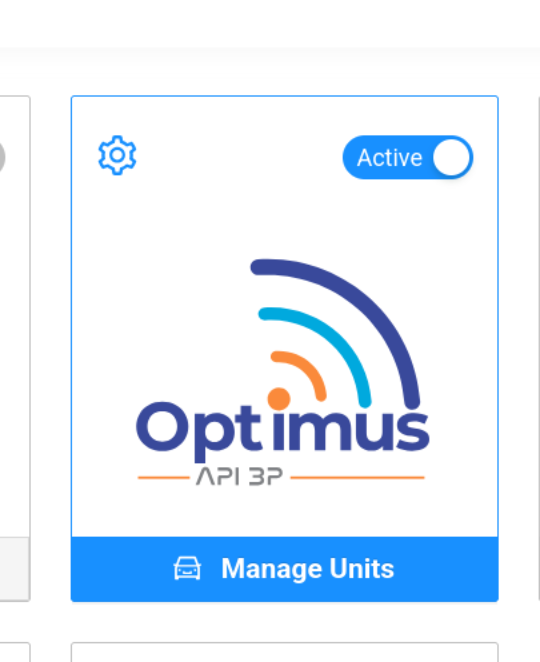
- Activate the Optimus API 3P
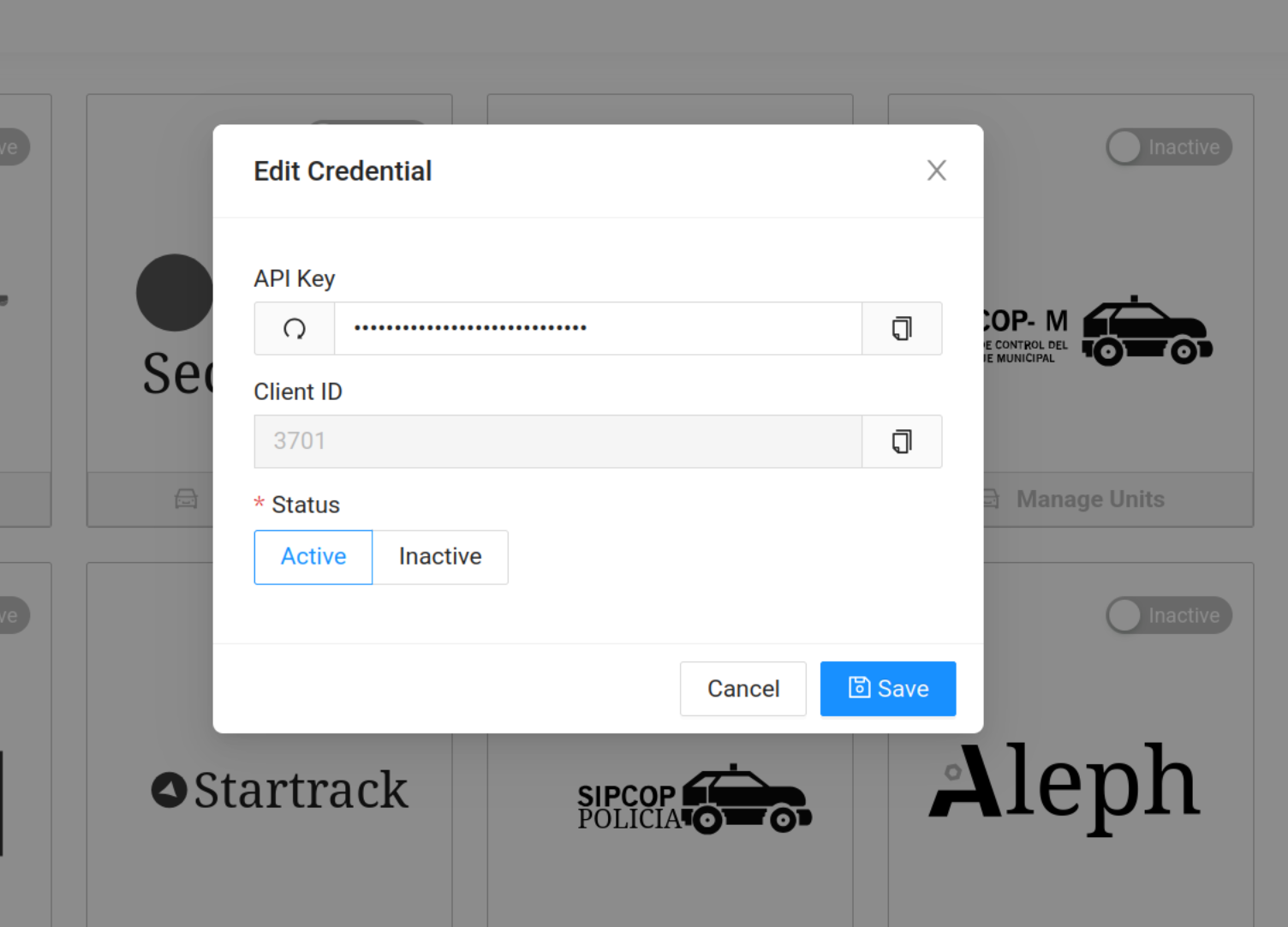
- Give the TAK Administrator the API Key & Client ID
Development🔗
DFPC provided Lambda ETLs are currently all written in NodeJS through the use of a AWS Lambda optimized Docker container. Documentation for the Dockerfile can be found in the AWS Help Center
Add a .env file in the root directory that gives the ETL script the necessary variables to communicate with a local ETL server. When the ETL is deployed the ETL_API and ETL_LAYER variables will be provided by the Lambda Environment
To run the task, ensure the local CloudTAK server is running and then run with typescript runtime or build to JS and run natively with node
Deployment🔗
Deployment into the CloudTAK environment for configuration is done via automatic releases to the DFPC AWS environment.
Github actions will build and push docker releases on every version tag which can then be automatically configured via the CloudTAK API.
Non-DFPC users will need to setup their own docker => ECS build system via something like Github Actions or AWS Codebuild.
Info
This page is generated daily from the README of dfpc-coe/etl-optimus (last fetched 2026-10-08). Changes should be made in that repository.